

ZapClaw AgentsComing soon
An AI agent that answers your WhatsApp with your own business information and calls in your team when needed. No code.
You join from your ZapClaw dashboard. No account yet? You create one on the way.
Shops, clinics, offices and service providers that want an AI agent answering customers on their own number.
You choose which clients get it.
Nothing changes: the webhook and the API stay the same, and ZapClaw Agents is optional.
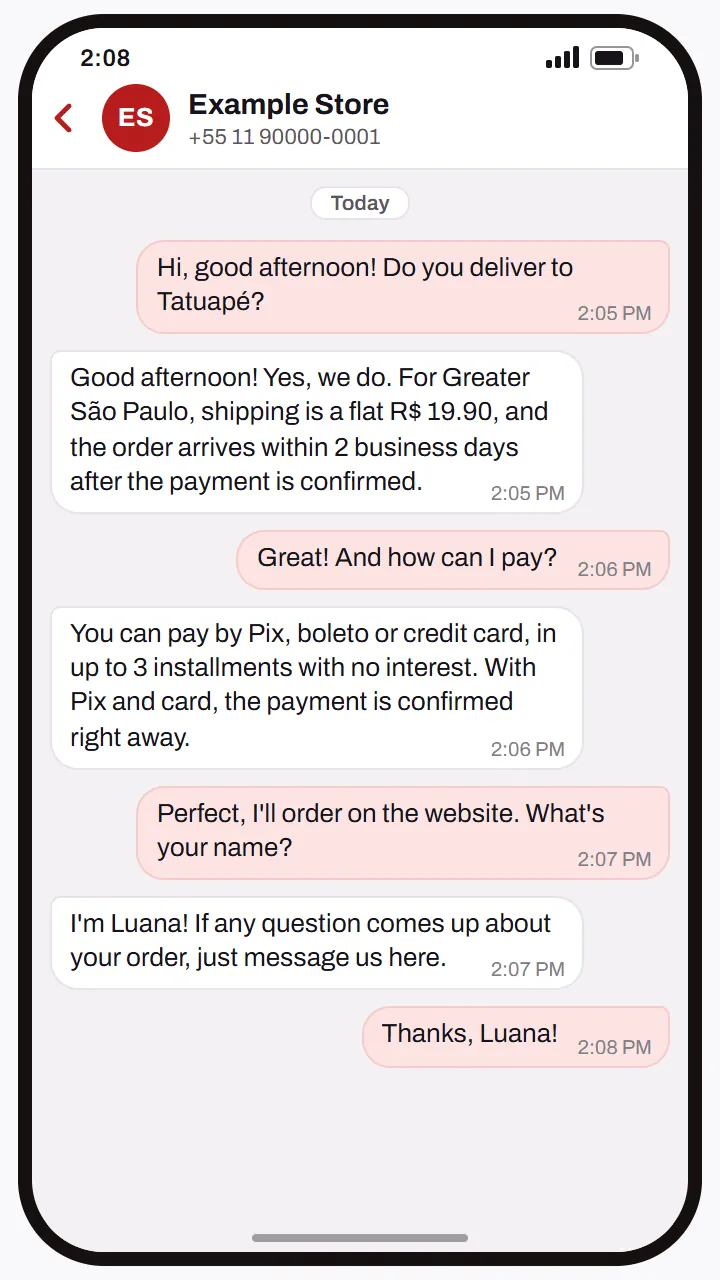
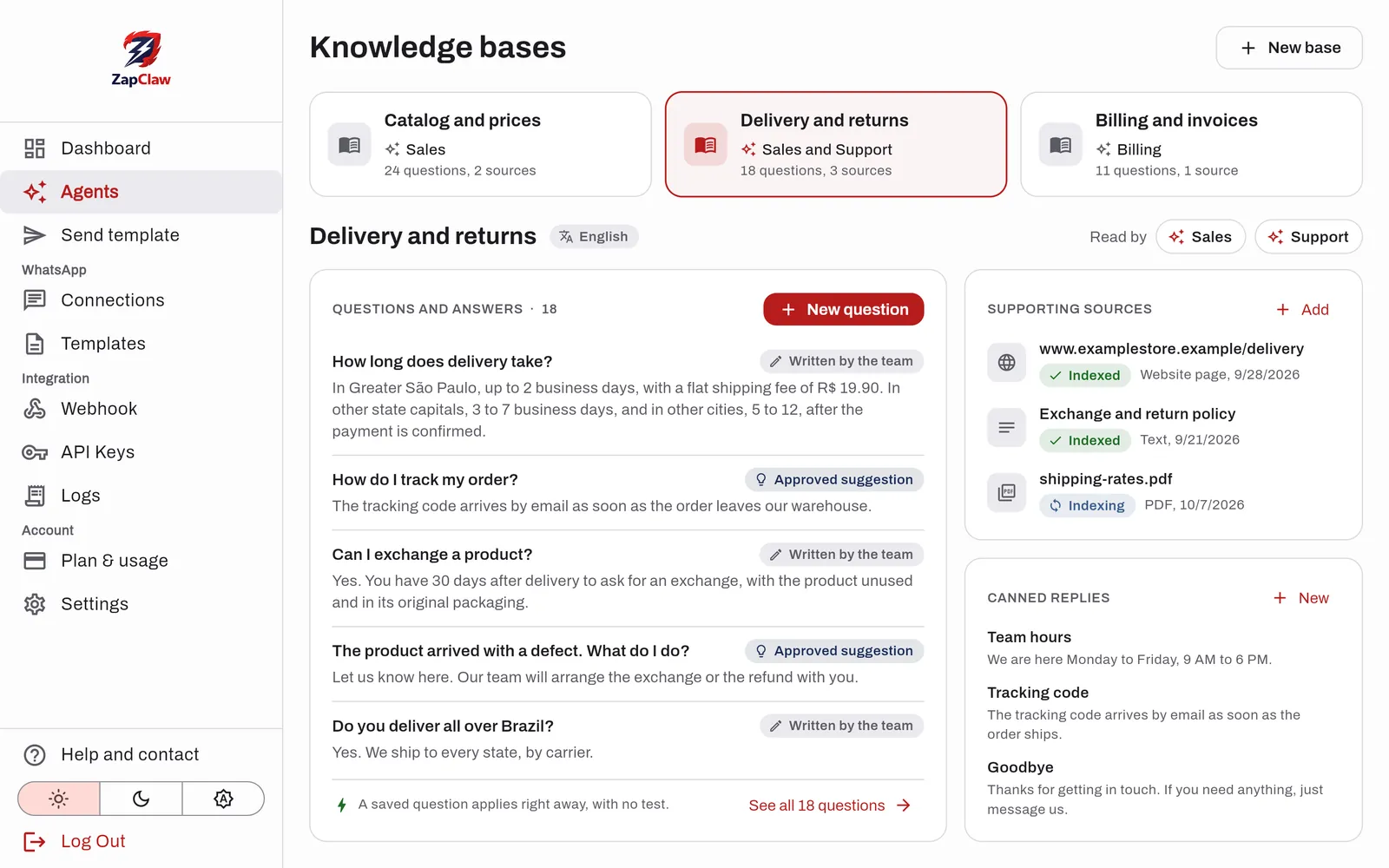
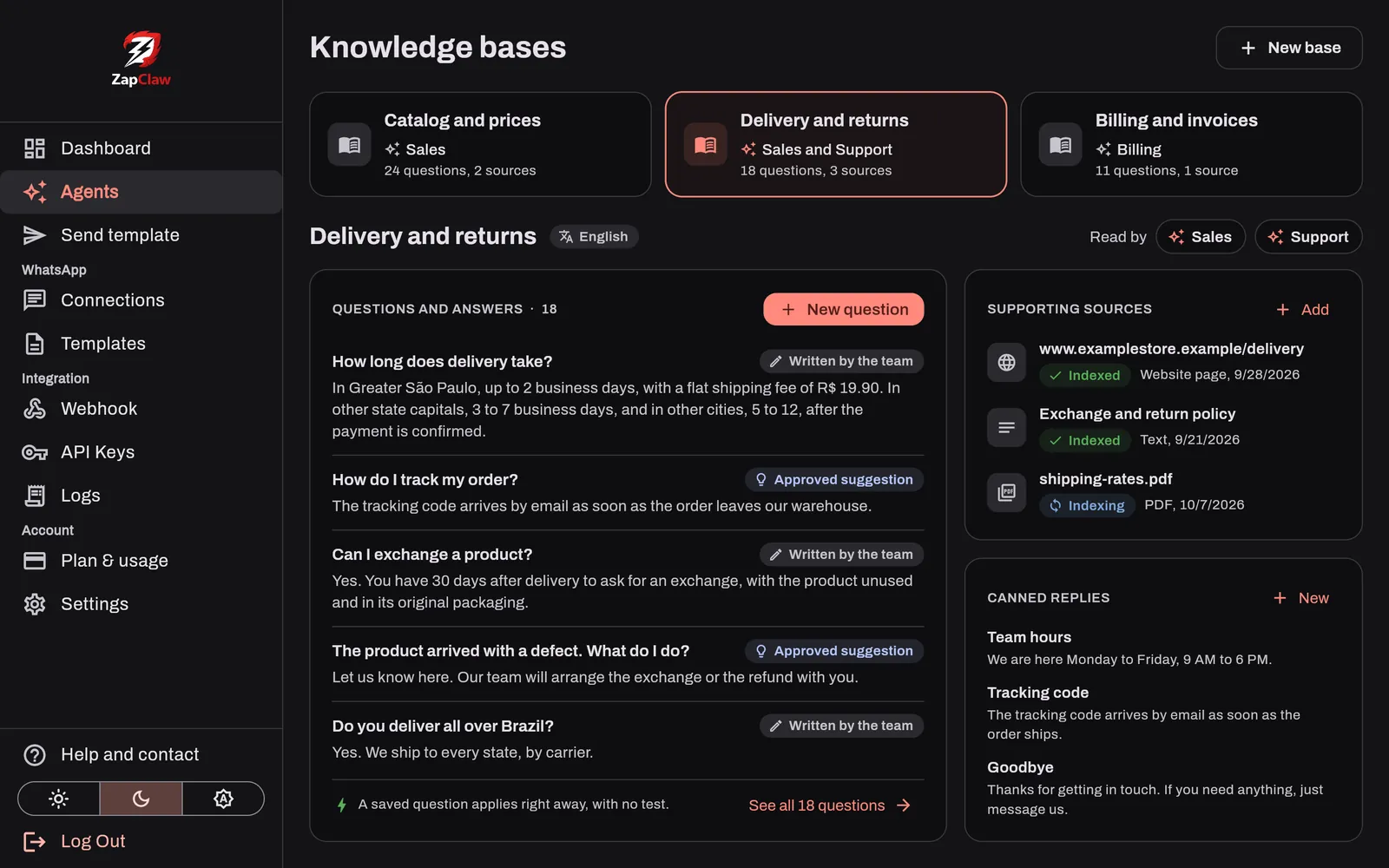
Add the questions customers ask and the right answers, and complete them with your website, texts and PDFs. The agent answers customers' questions from that content. For the usual questions, it can send the text you wrote, word for word, without spending tokens.
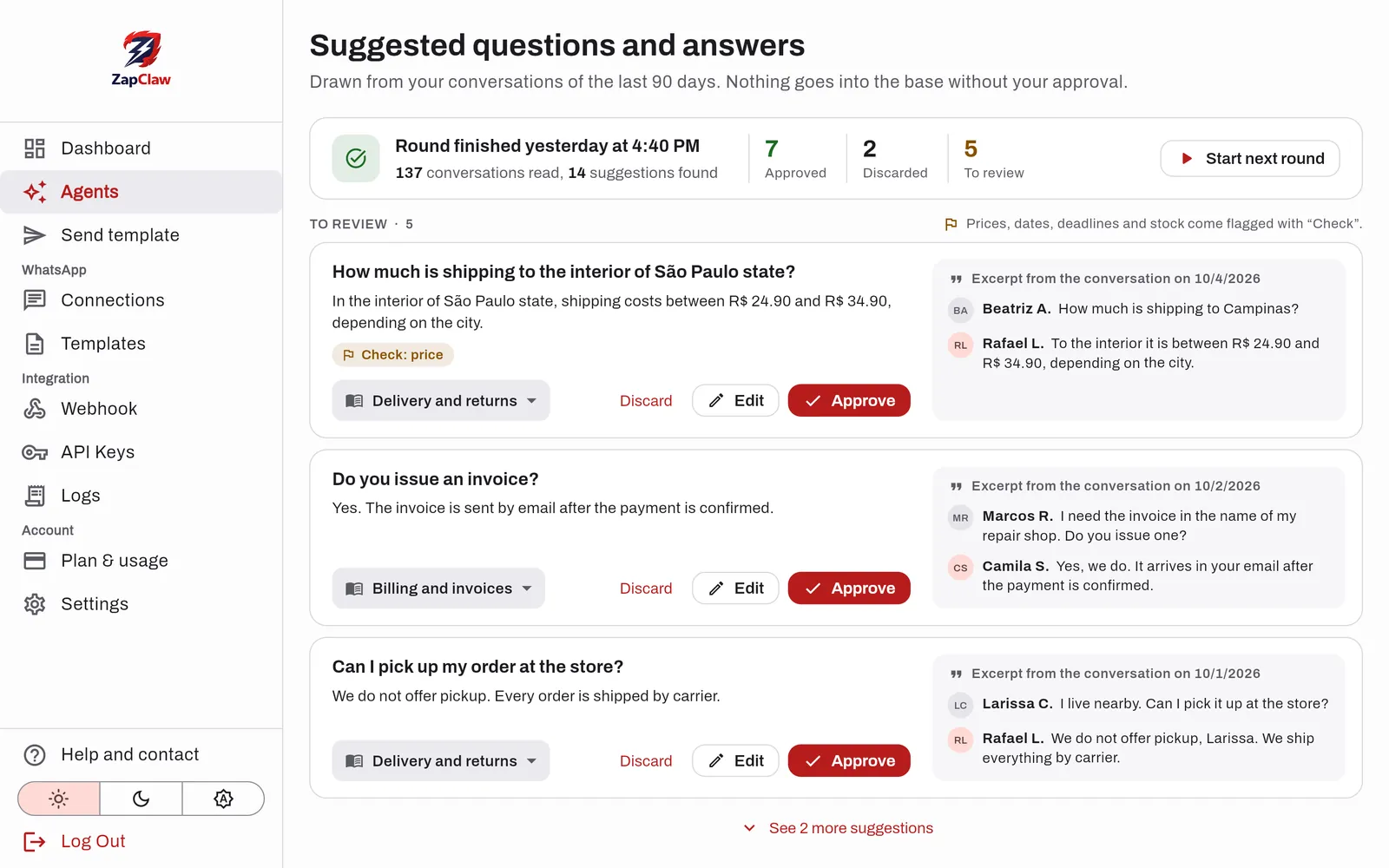
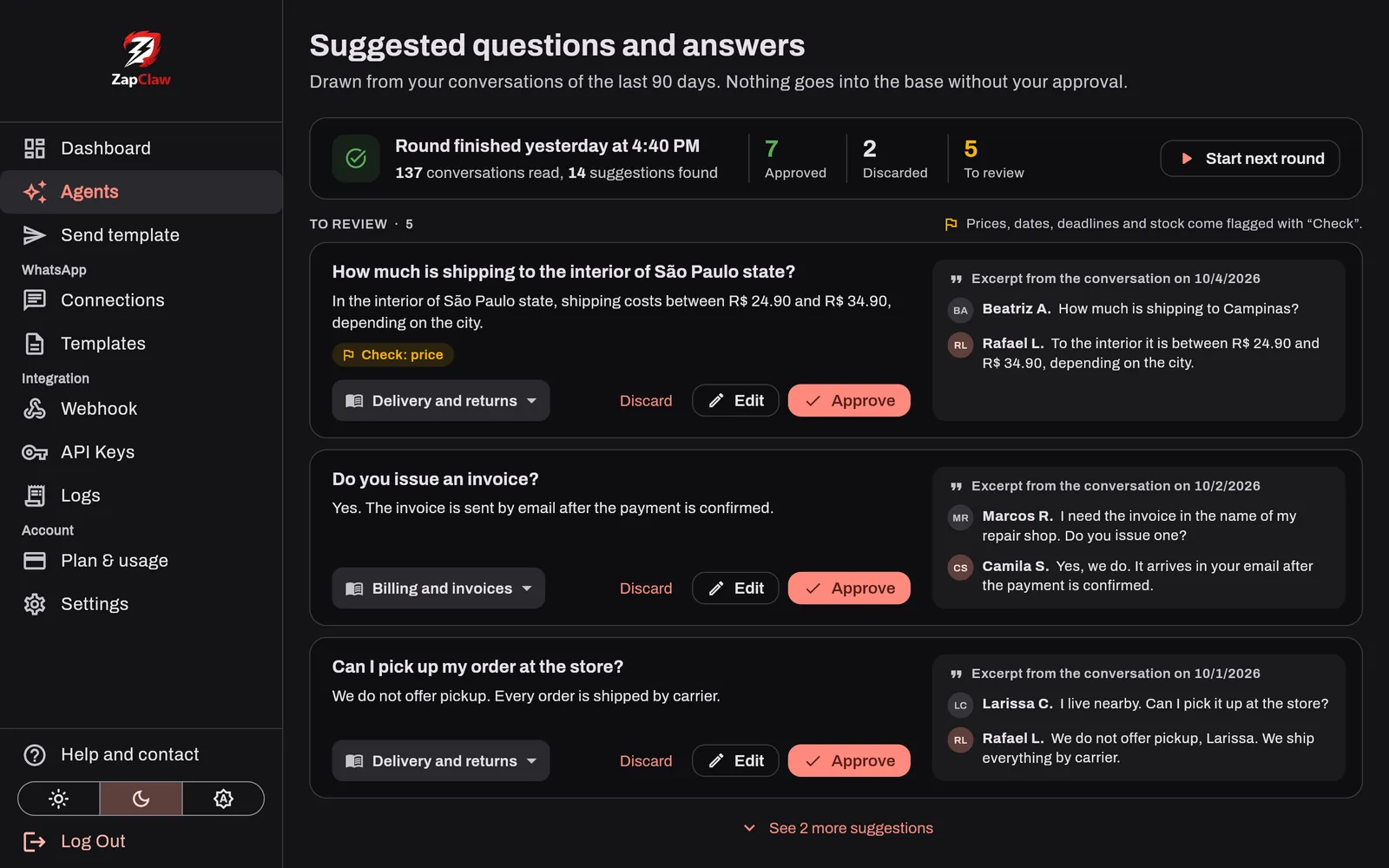
ZapClaw Agents suggests questions and answers for the base from the conversations ZapClaw keeps for your number. You review, edit and approve each one before it goes into the base, and suggestions are written without your customers' personal data.
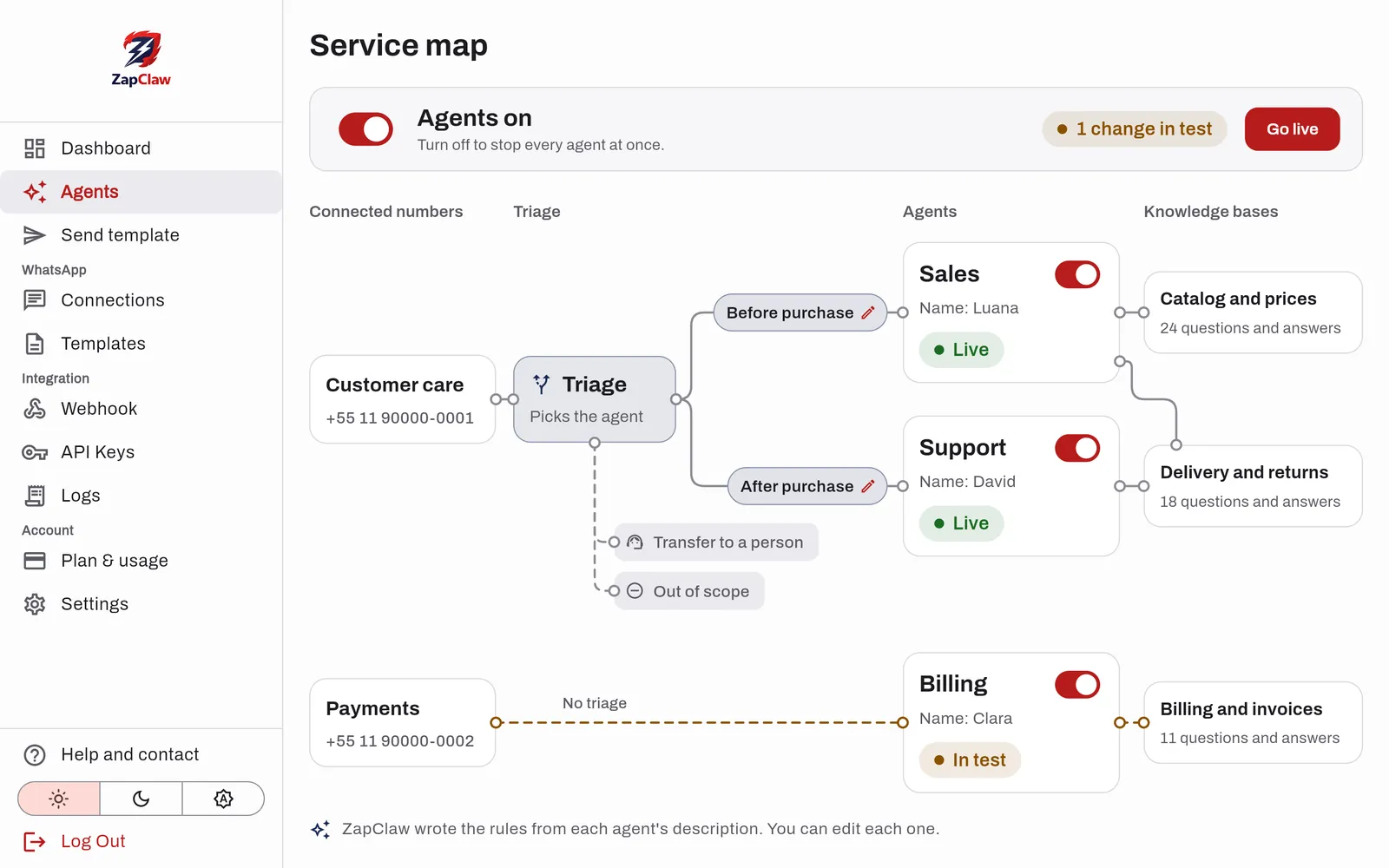
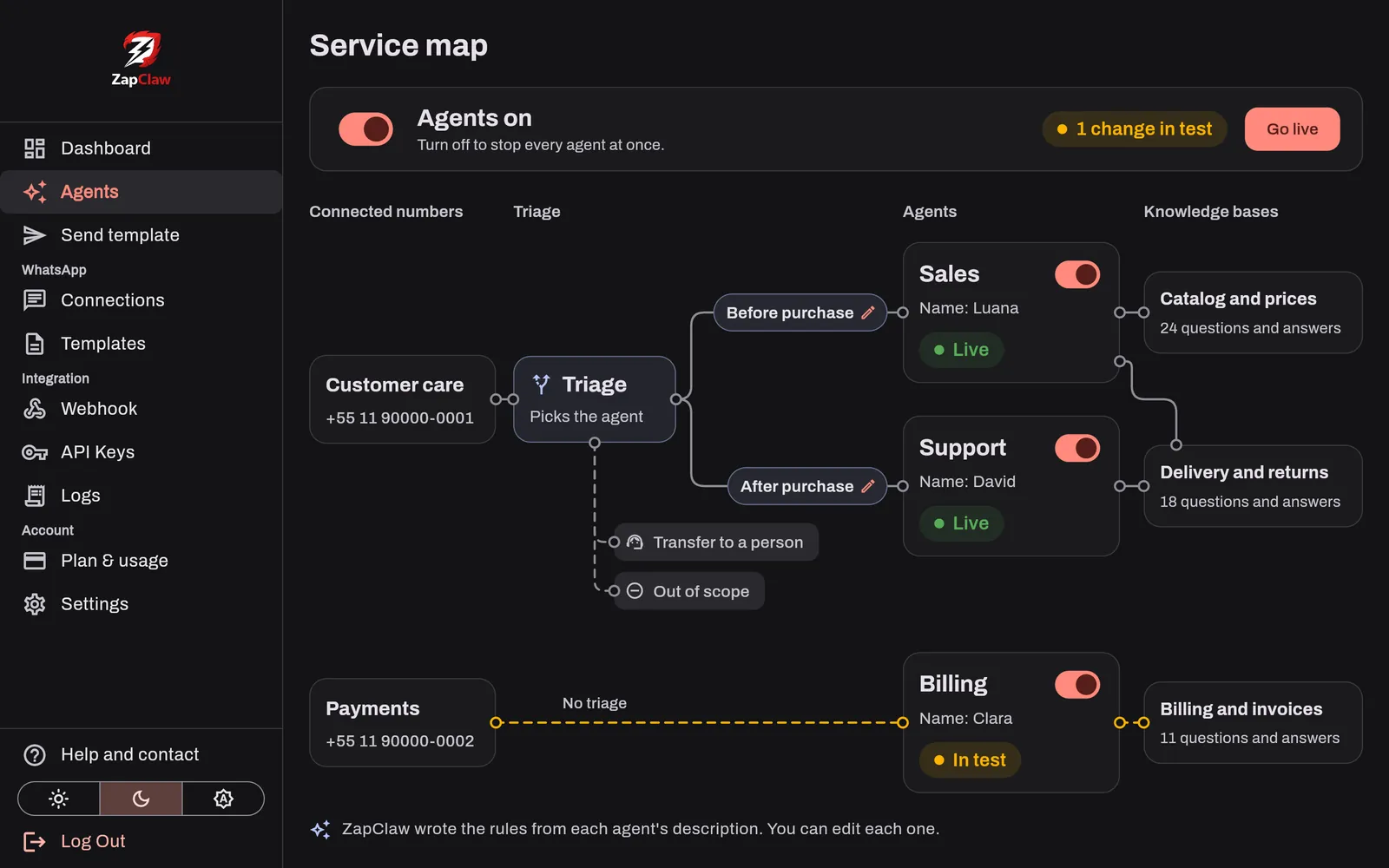
Create one agent for sales, another for support, another for billing. You choose which numbers each one serves and which knowledge bases it reads.
Run more than one agent, each serving the numbers and knowledge bases you choose. With two or more, ZapClaw Agents sets up the triage for you: it reads each agent's description and writes the rules that decide which of them takes each conversation. You can edit the rules.
Test the agent on WhatsApp, from your test numbers, or in a simulated chat in the dashboard.
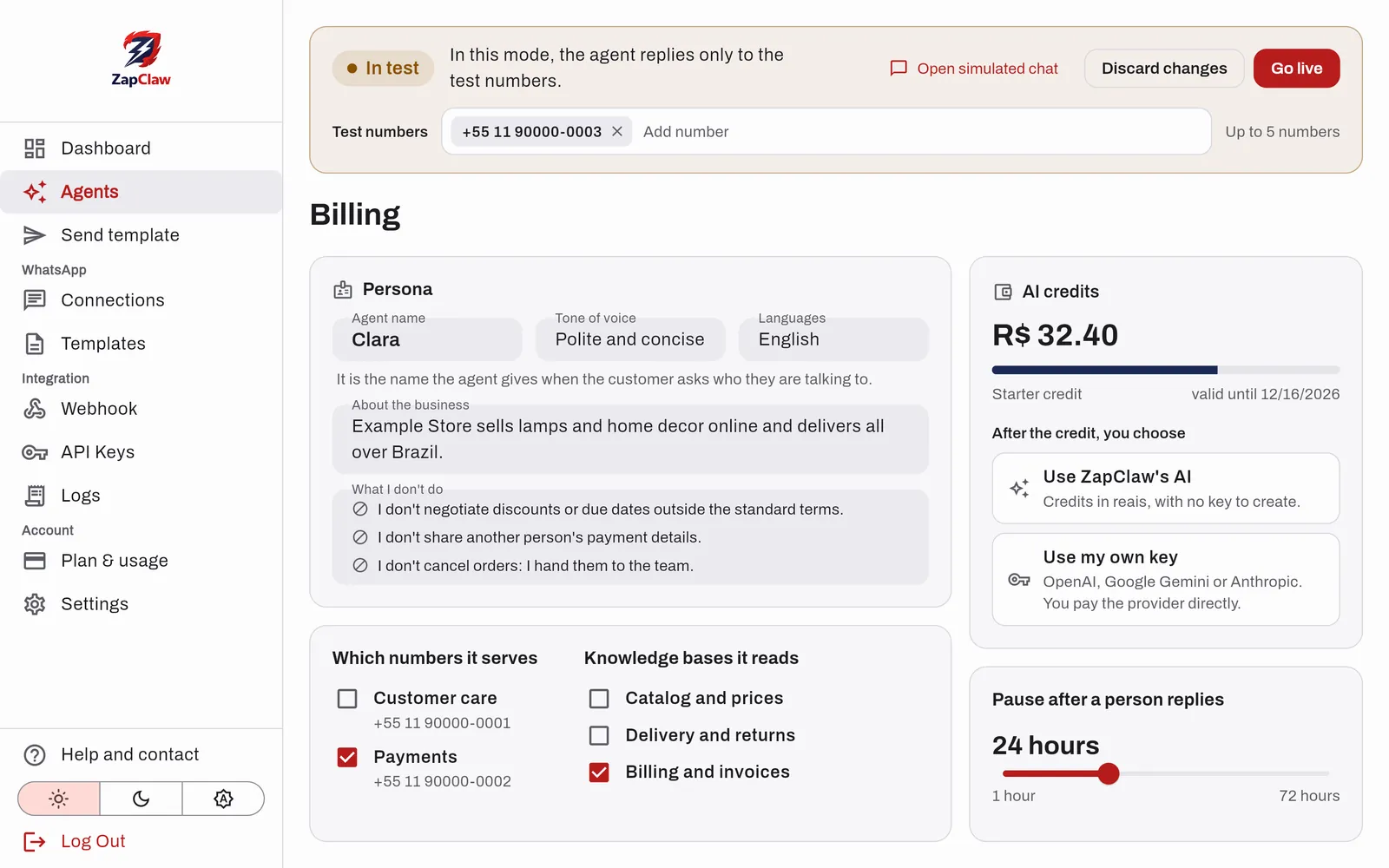
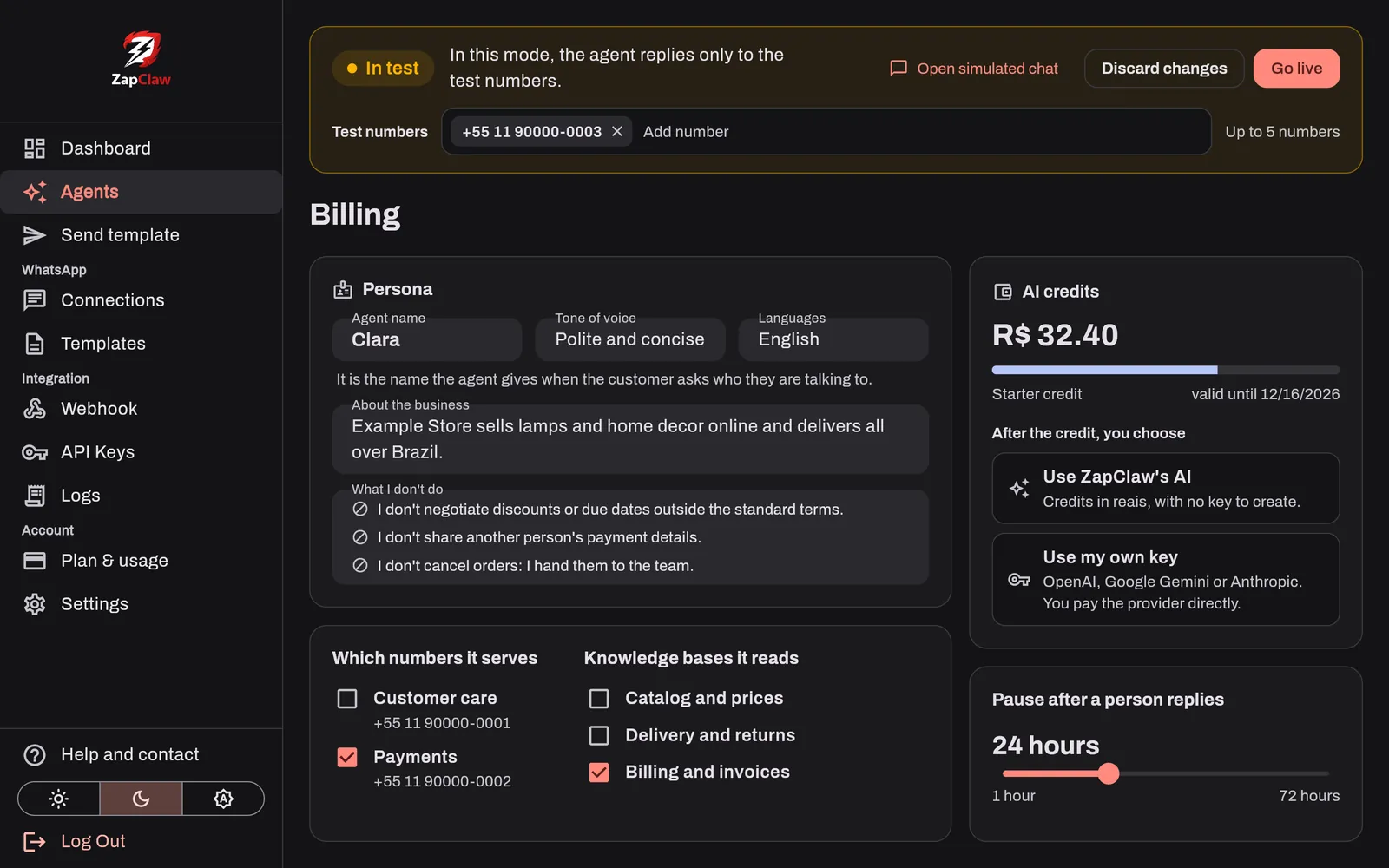
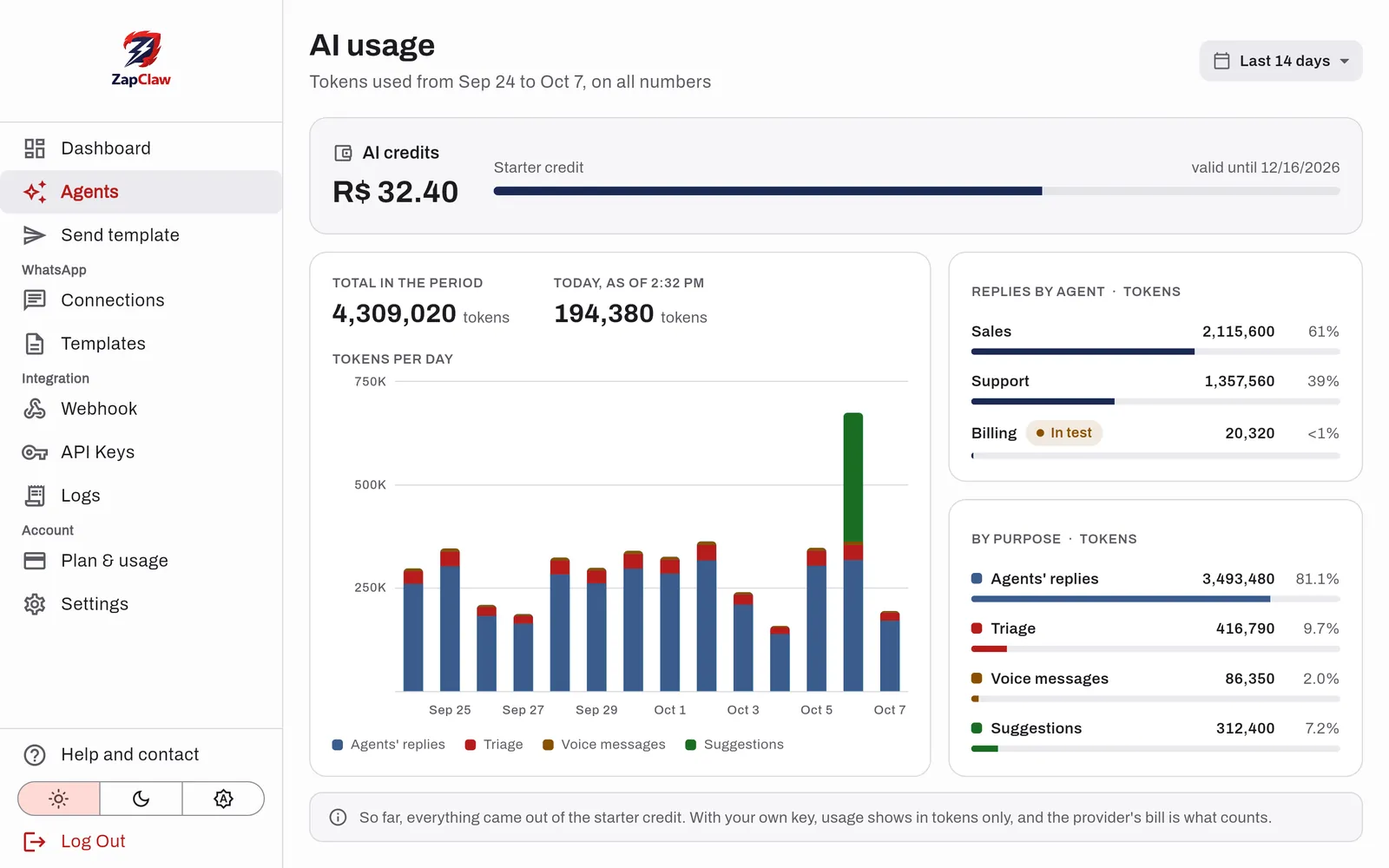
To start, you need no key. After that, you choose: ZapClaw's AI, paid separately, or your own key, with the AI paid directly to the provider, with no margin from ZapClaw.
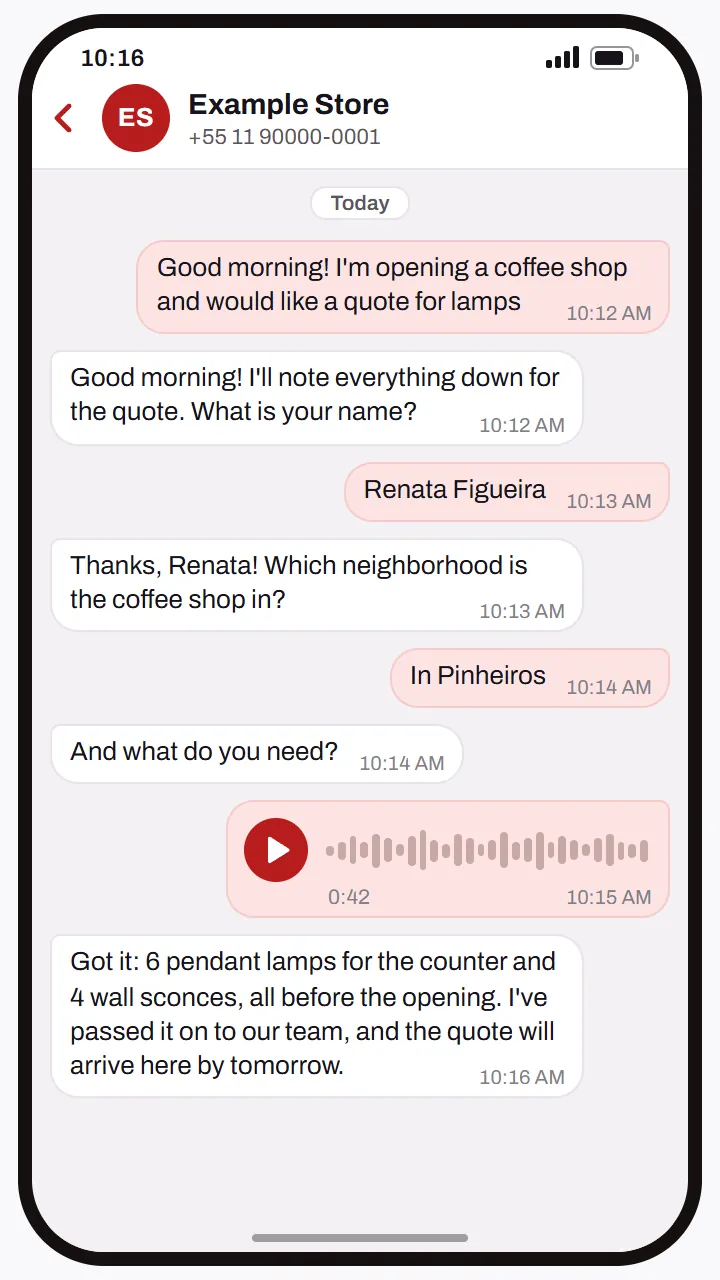
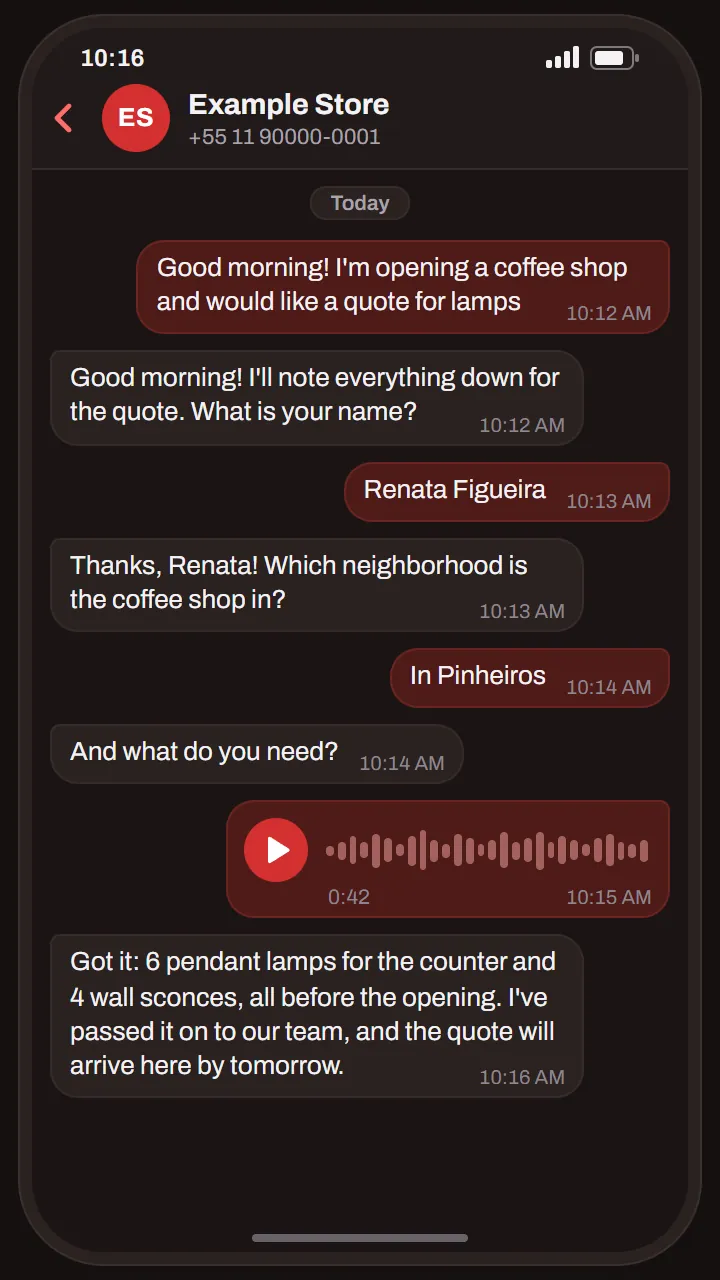
The agent asks what you need to know, such as name, neighborhood, what the person is looking for and when they want to buy, and hands it all to your team, organized.
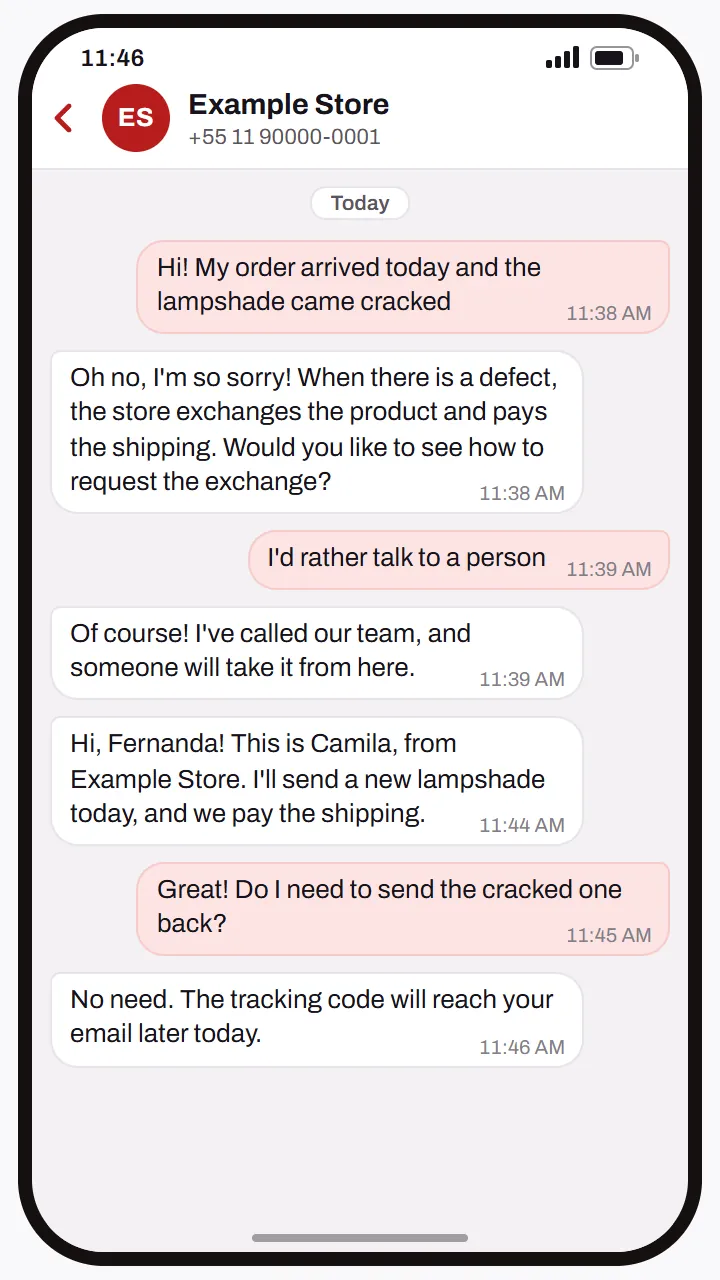
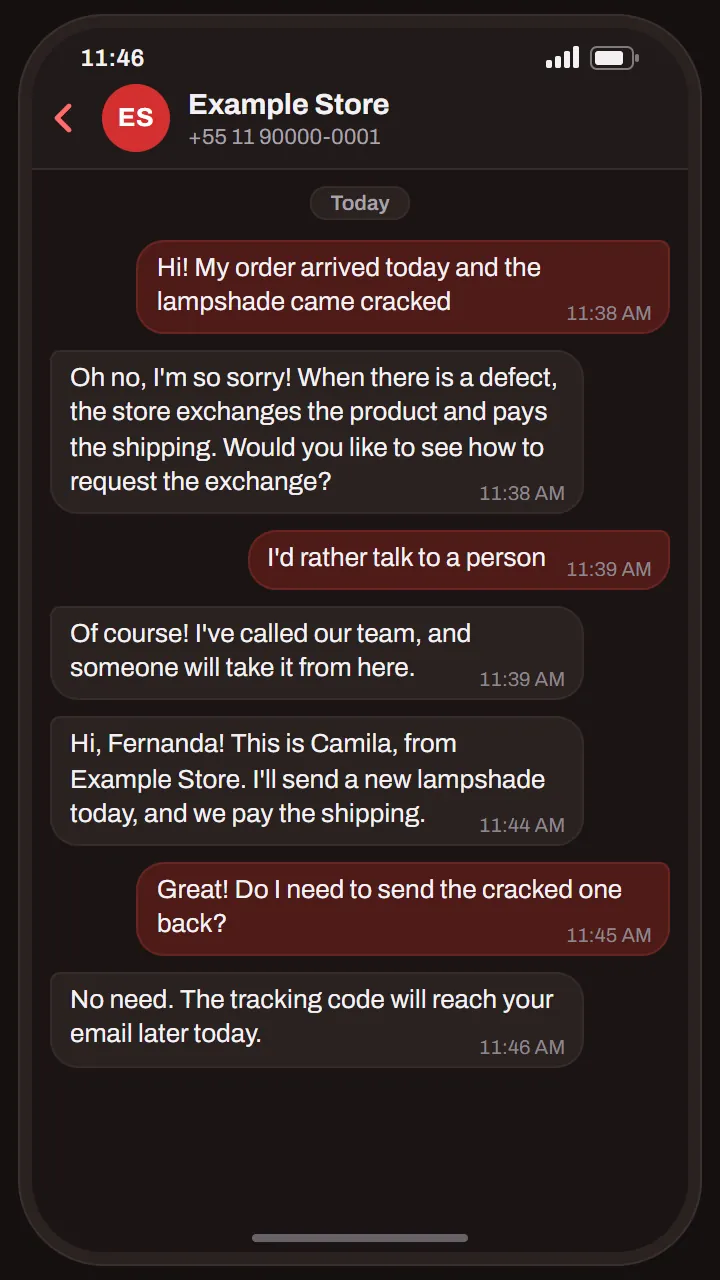
When the customer asks for someone, or in the situations you define, the agent alerts your team and stops answering in that conversation. When someone from your team replies from the WhatsApp Business app on the phone, the agent also pauses in that conversation, for 24 hours, and the timer restarts with each reply from your team. You choose that time, from 1 to 72 hours.
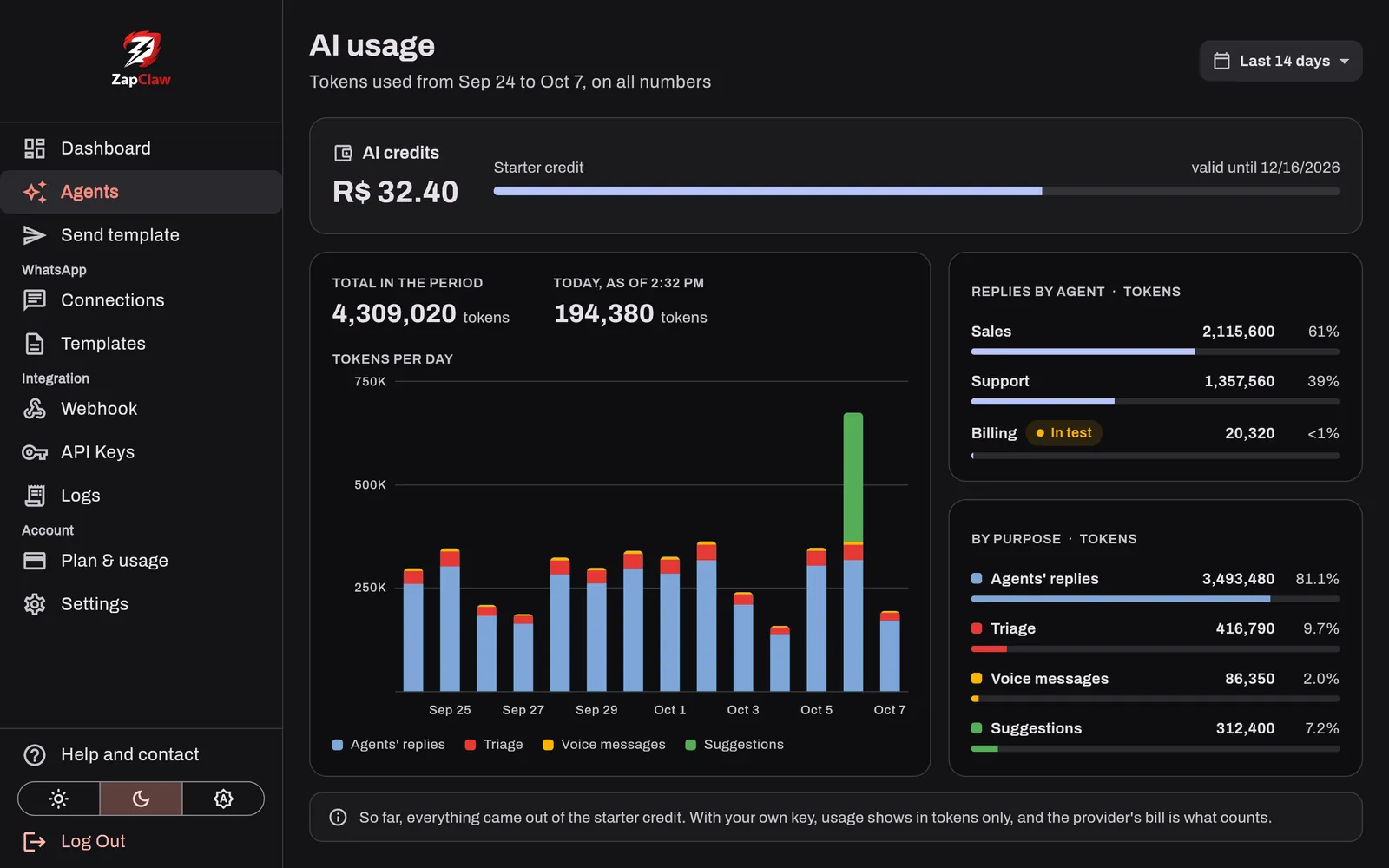
Illustrative images: prototype screens and sample conversations, with made-up data.
Three steps, and you may have done the first one already.
Connect your WhatsApp Business number in ZapClaw, as you already do.
With one click in the ZapClaw dashboard, on the number you already connected: no webhook, no ZapClaw API key and no code. The starter credit covers the AI at first and, when it ends, you use ZapClaw's AI or your own key.
Review the suggested questions and answers, add your own, test the agent, and click Go live when it is ready.
Already build your own agents? Connect them to your number with the ZapClaw WhatsApp MCP server (beta), with the same guards on every send.
The gateway still never sends anything on its own. ZapClaw Agents will reply only on the numbers where you turn the service on, and one switch in the dashboard turns every agent off at once, and each agent has its own. See what the rules allow.
Yes. In test mode, the agent replies only to the test numbers you register in the dashboard, up to 5. When it is the way you want, click Go live. After that, new agents and changes to the agents and the triage stay in test until you go live again; the questions and answers of the base apply right away.
No. To start, the starter credit covers the AI. After that, use ZapClaw's AI or your own key. With your own key, you paste an OpenAI, Google Gemini (a Google AI Studio key) or Anthropic (Claude) key in the dashboard and pay for the AI directly to the provider, with no margin from ZapClaw. The agent understands voice messages with ZapClaw's AI, OpenAI or Google Gemini; with Claude, voice messages go to a person on your team. No key yet? Follow the step by step guide for OpenAI, Google Gemini or Anthropic.
Your first payment of ZapClaw Agents is planned to come with a starter credit, once only and valid for 90 days. For agencies, you turn it on client by client, each client stays isolated from the others, and each activated client gets its own. When the credit runs out or expires, you carry on with ZapClaw's AI or with your own key; if you have not chosen yet, the agent tells the person in the conversation and hands it to your team.
From the conversations ZapClaw already keeps for your number, for 90 days by default or the shorter period your organization chooses: the messages since the connection and, if you shared your history when connecting, the part of it within that period. You confirm each round with the estimated cost shown and approve each suggestion before it goes into the base. Suggestions come without your customers' personal data, and prices, dates, deadlines and stock come flagged to check.
In this version, the agent answers from the content you add, only on the WhatsApp numbers connected in ZapClaw and only to people who wrote in the last 24 hours. It does not read images sent by customers yet.
In the WhatsApp Business app on your phone, as today, or in ZapClaw Inbox, a separate product, if you also subscribe to it. The ZapClaw Agents dashboard is for setting up, testing and following the agents' usage, and it does not show your customers' conversations. When the agent hands a conversation to the team, the person in charge gets a notice by email and in the dashboard. ZapClaw Agents does not need the Inbox: they are separate products, neither depends on the other, and without the Inbox your team carries on in the WhatsApp Business app.
Yes. ZapClaw Agents will be an add-on of the Business and Agency plans, billed on its own subscription, monthly or annual. Messages sent by the agent count toward your plan's message allowance, like any API send.
The price is not set yet. When you join the waitlist, you can tell us how much you would pay for it, not counting AI usage, and your answer helps us set it.
A small group of 3 to 5 businesses that use ZapClaw Agents before launch, with our team setting up the agent with them and staying close. To take part, join the waitlist in the dashboard and choose the Guided beta.
ZapClaw Agents will run on a dedicated server, separate from the gateway. To reply and to suggest, the conversation text goes to an AI provider: with the starter credit and with ZapClaw's AI, one contracted by ZapClaw; with your own key, the provider of that key, under its terms. The knowledge base search always uses a provider contracted by ZapClaw.